suiss/ui · Interaction
Reorder List
A list whose rows are dragged by a handle to change their order, with haptics and move up and down actions.
Reorder List is an open-source interaction from suiss/ui for React Native, SwiftUI and Jetpack Compose. The @esuiss/ui CLI copies its source into your project, so you own the code.
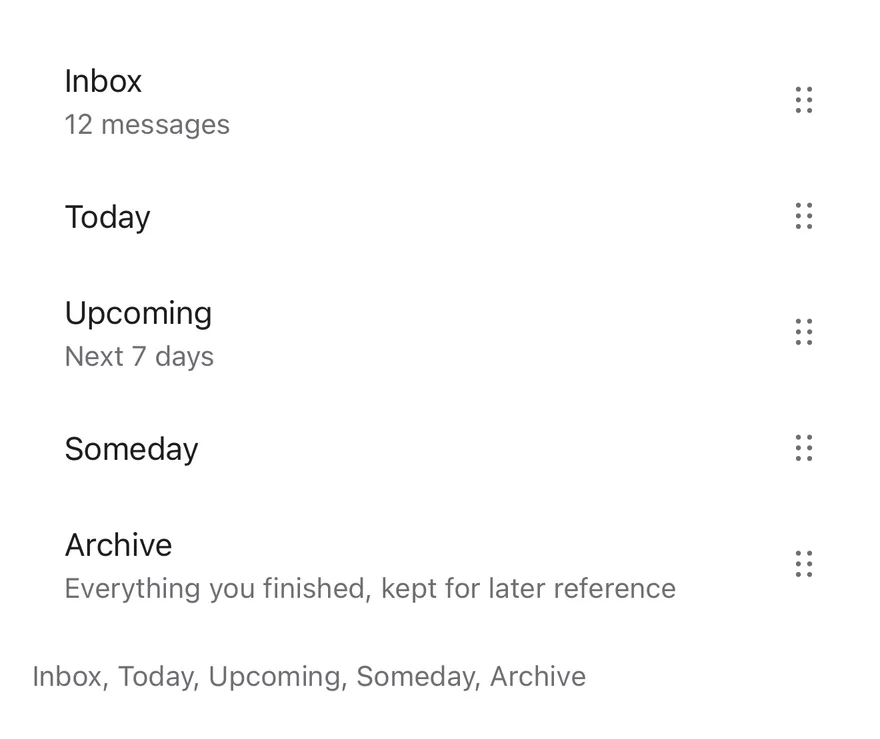
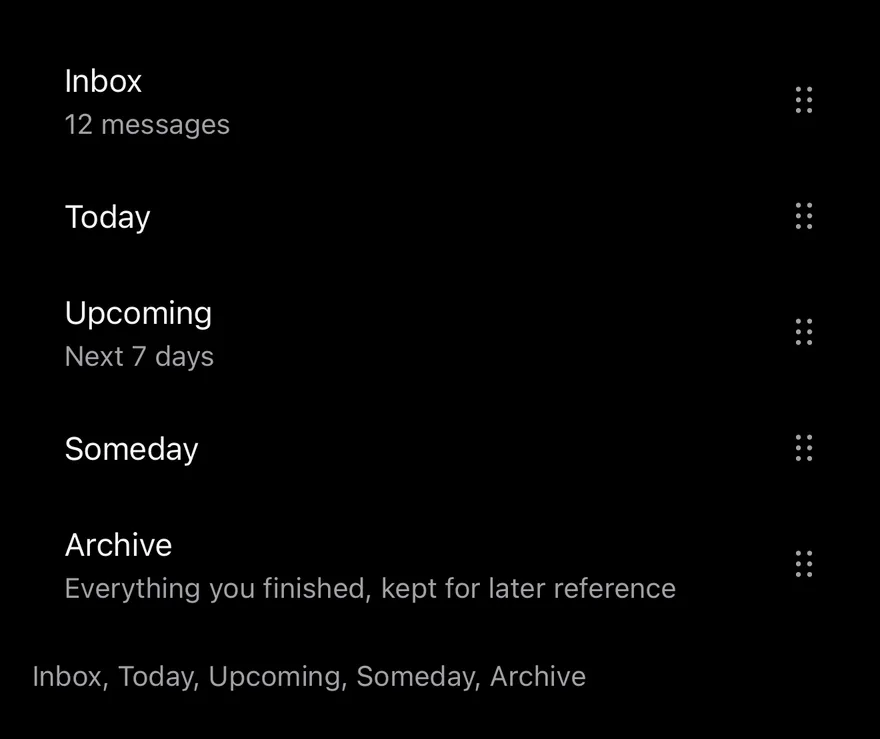
ReorderList renders its ReorderListItems in the order given by value. Dragging a row's ReorderListHandle lifts the row: a raised surface with a shadow fades in behind it and, outside an inset group, the row grows slightly. It follows the finger while the other rows spring out of the way.
On release the row springs into its new slot and onValueChange receives the new order. Rows can have different heights. Use it for ordering favorites, playlists or priorities.
Installation
The CLI also adds what it builds on: Icon, Item. On React Native it also adds the animated view components/ui/animated-view.tsx.
Manual
- Install the dependencies:
-
Add the pieces it builds on: Icon, Item, and the primitives
components/primitives/haptics.tsx, and the animated viewcomponents/ui/animated-view.tsxfrom the next step. -
Copy the animated view into
components/ui/animated-view.tsx:
- Copy the source into
components/interactions/reorder-list.tsx:
- Update the import paths to match your project.
- Install the dependencies:
-
Add the pieces it builds on: Icon, Item, and the primitives
components/primitives/haptics.tsx, and the animated viewcomponents/ui/animated-view.tsxfrom the next step. -
Copy the animated view into
components/ui/animated-view.tsx:
- Copy the source into
components/interactions/reorder-list.tsx:
- Update the import paths to match your project.
- Install the dependencies:
-
Add the pieces it builds on: Icon, Item, and the primitives
components/primitives/haptics.tsx, and the animated viewcomponents/ui/animated-view.tsxfrom the next step. -
Copy the animated view into
components/ui/animated-view.tsx:
- Copy the source into
components/interactions/reorder-list.tsx:
- Update the import paths to match your project.
-
Target iOS 17 or later.
-
Add the Swift package to your app:
- Copy the theme files every view uses:
- Copy the source and every file it uses:
- Add the files to your app target.
- Set
minSdkto 24 or higher and add the dependencies:
- Copy the theme files every view uses:
- Copy the source and every file it uses:
- Update the
com.esuiss.uipackage names to match your project.
Usage
ReorderList is controlled: pass value as an array of item keys and update it in onValueChange. Give each ReorderListItem a value matching its key, and place a ReorderListHandle anywhere inside it, at the start or end. Place the list inside an ItemGroup with the inset variant for a rounded group; the lifted row then keeps the group's shape.
Only the handle starts a drag, so the rest of the row can still be pressed or scrolled.
Examples
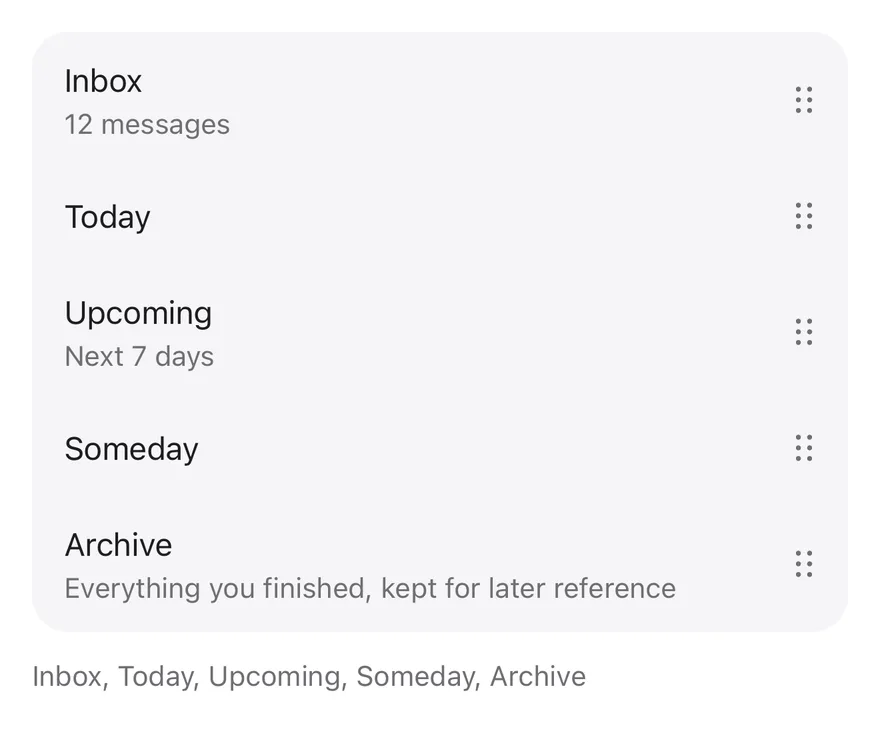
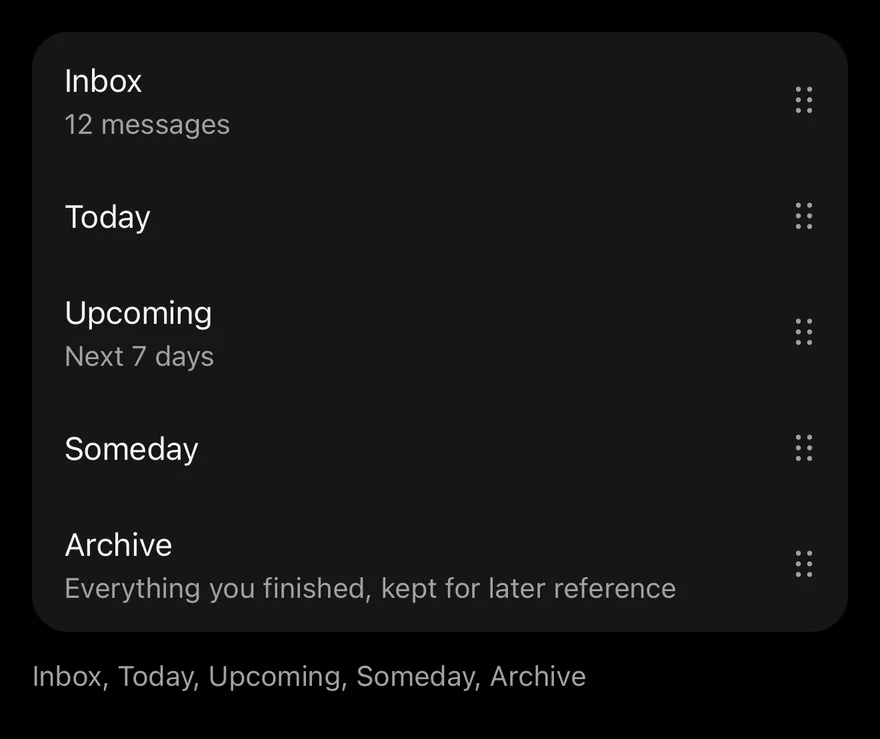
Inset
Rows inside an inset ItemGroup.
Leading handle
Places the handle at the start of each row.


API Reference
ReorderList
The root that renders items in value order.
| Prop | Type | Default | Description |
|---|---|---|---|
value | string[] | Required | Item keys in their current order. |
onValueChange | (value: string[]) => void | Required | Called with the new order after a move. |
moveUpLabel | string | "Move up" | Label of the move up accessibility action. Defaults to Move up. |
moveDownLabel | string | "Move down" | Label of the move down accessibility action. Defaults to Move down. |
Also accepts the props of ViewProps.
ReorderListItem
One row, keyed by its value.
| Prop | Type | Default | Description |
|---|---|---|---|
value | string | Required | The key of this item. |
Also accepts the props of ViewProps.
ReorderListHandle
The grip that starts a drag.
Also accepts the props of ViewProps.
Accessibility
- The handle has the
buttonrole and offersmoveUpandmoveDownaccessibility actions, so screen reader users can reorder without dragging. - Move up is omitted on the first row and move down on the last.
Notes
- Haptics play when the drag starts (medium impact), each time the target slot changes (selection) and on release (light impact), if the app provides an adapter through
HapticsProvider. - The dragged row shows a
bg-cardlayer with a shadow, rounded inside an inset group. - The lift scale is skipped inside an inset group and when reduce motion is on; springs respect the system reduce motion setting.