suiss/ui · Component
Haptics
A provider that connects components to your haptics library, with a hook to trigger feedback.
Haptics is an open-source component from suiss/ui for React Native, SwiftUI and Jetpack Compose. The @esuiss/ui CLI copies its source into your project, so you own the code.
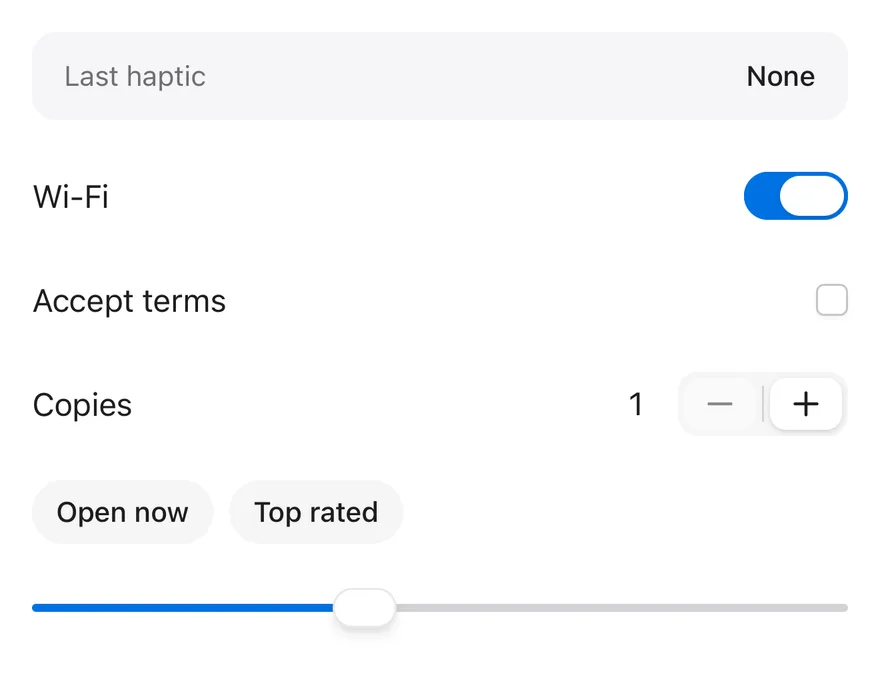
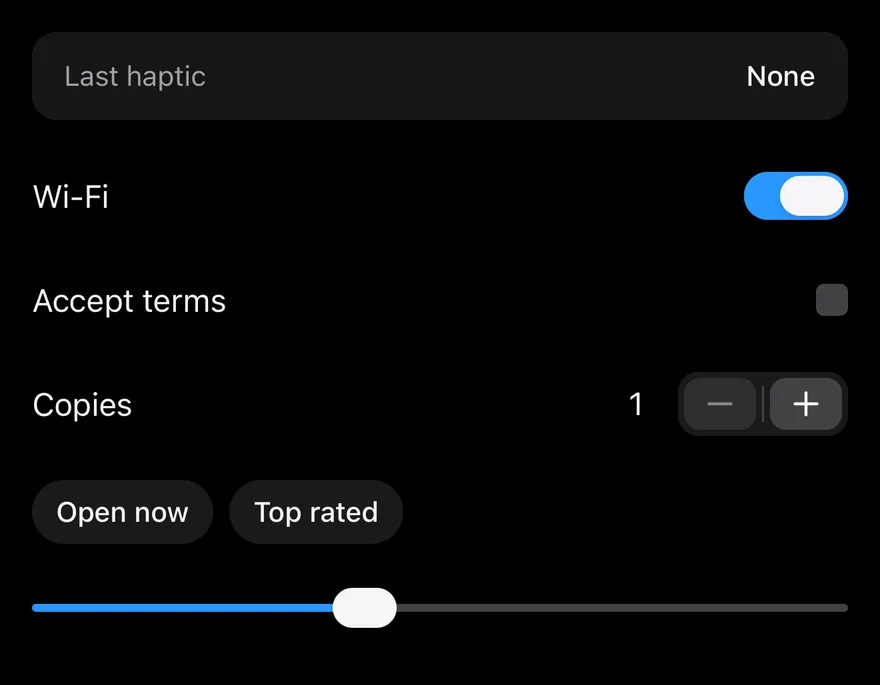
Components such as Amount Input, Chart and Context Menu play haptic feedback through useHaptics(). By default nothing happens: HapticsProvider lets you plug in an adapter that calls the haptics library of your choice, so the components stay free of a native dependency.
The adapter has three methods: impact(style) with light, medium, heavy, soft or rigid; selection(); and notification(type) with success, warning or error.
Installation
Manual
-
Add the pieces it builds on: the primitives
components/primitives/haptics.tsx. -
Copy the source into
components/ui/haptics.tsx:
- Update the import paths to match your project.
-
Add the pieces it builds on: the primitives
components/primitives/haptics.tsx. -
Copy the source into
components/ui/haptics.tsx:
- Update the import paths to match your project.
-
Add the pieces it builds on: the primitives
components/primitives/haptics.tsx. -
Copy the source into
components/ui/haptics.tsx:
- Update the import paths to match your project.
-
Target iOS 17 or later.
-
Copy the theme files every view uses:
- Copy the source:
- Add the files to your app target.
- Set
minSdkto 24 or higher and add the dependencies:
- Copy the theme files every view uses:
- Copy the source:
- Update the
com.esuiss.uipackage names to match your project.
Usage
Wrap your app in HapticsProvider and pass an adapter object that implements impact, selection and notification. Set enabled={false} to turn all feedback off, for example from a user setting.
Call useHaptics() in your own components to get the same methods. Without a provider, or when disabled, they do nothing.
Examples
Feedback
Buttons for each impact, selection and notification type.
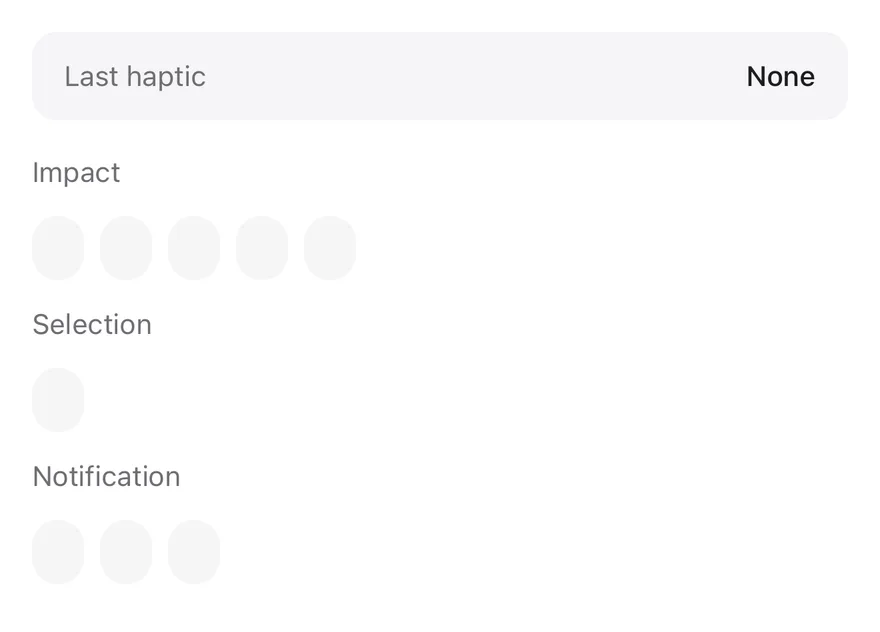
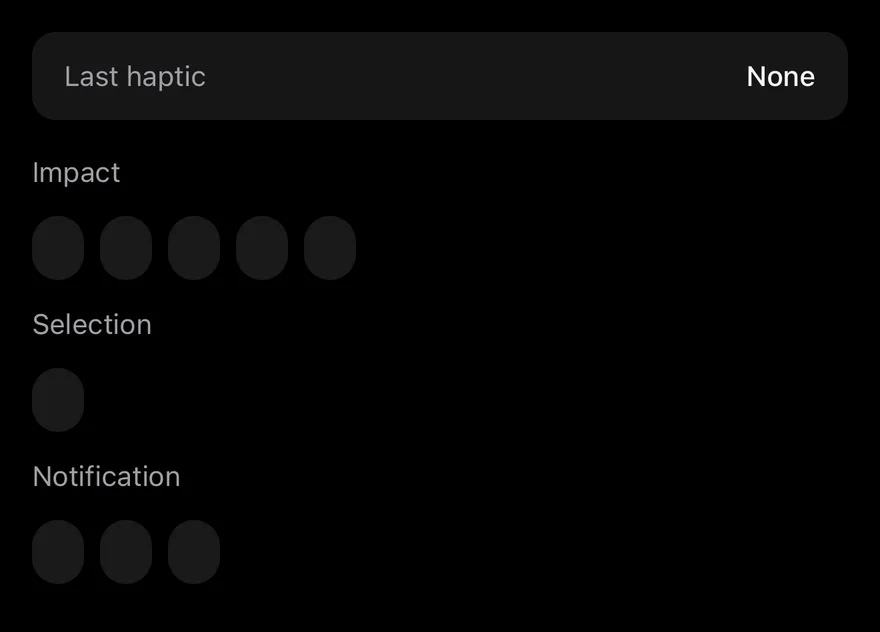
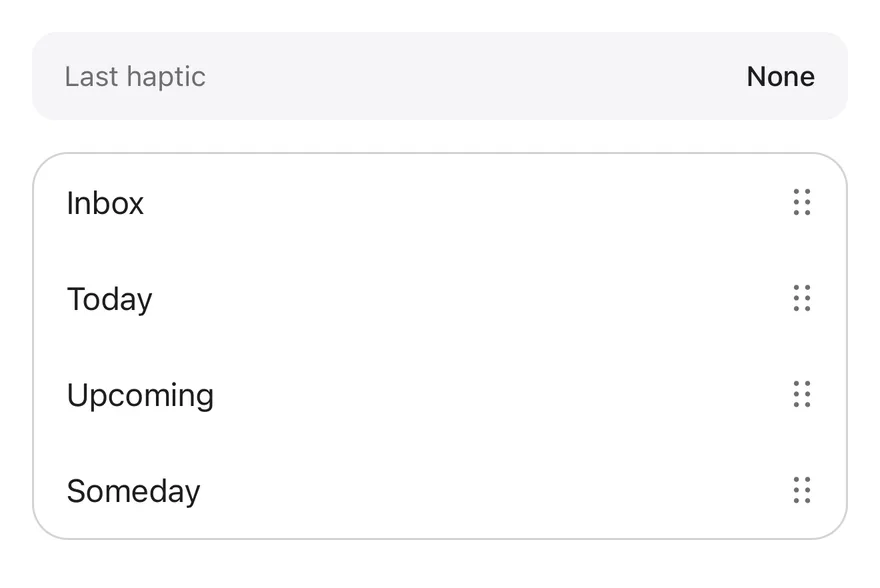
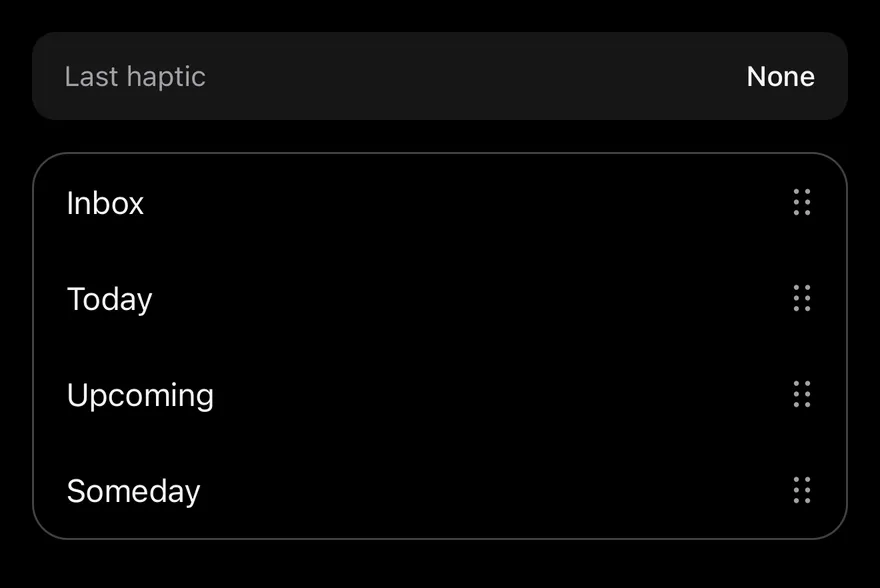
Reorder
Feedback while dragging items in a reorder list.
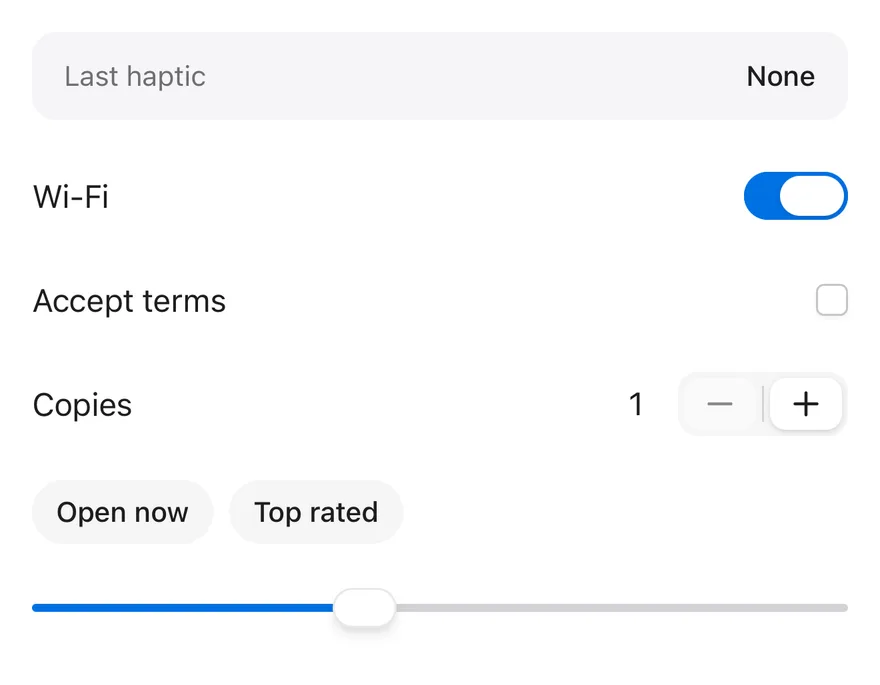
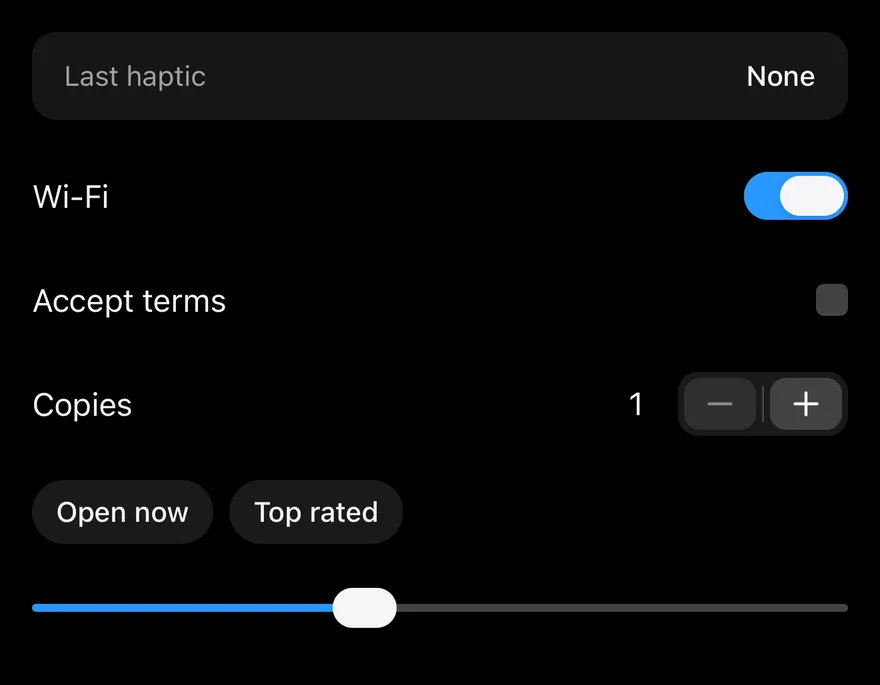
Disabled
The same controls with haptics turned off.
API Reference
HapticsProvider
Supplies the adapter to every component below it.
| Prop | Type | Default | Description |
|---|---|---|---|
adapter | HapticsAdapter | null | - | Object with impact, selection and notification methods. |
enabled | boolean | true | Turns feedback on or off. Defaults to true. |
children | React.ReactNode | - |
Notes
- The types
HapticsAdapter,HapticsImpactStyleandHapticsNotificationTypeare exported for typing your adapter. - Haptics have no visual output; pair important feedback with a visible change.